
Resources
Demos, explainers, and guides to help you build with Hexby.
All resources
11 resources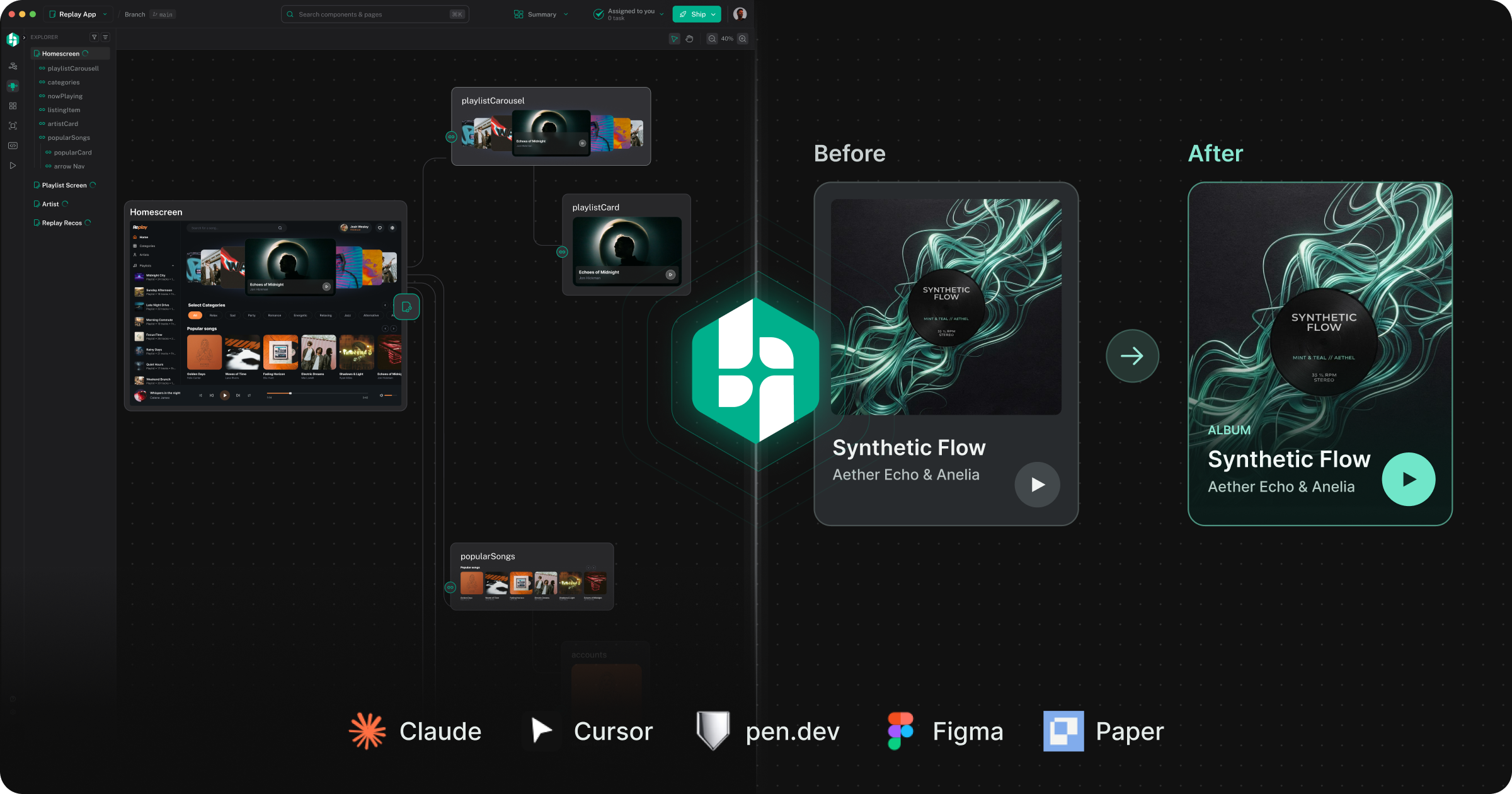
Hexby vs. Cursor, Claude Design, Figma, Paper & pen.dev
See how Hexby, Cursor, Claude Design, Figma, Paper and pen.dev approach designing, iterating and shipping real application UIs.
Read article →
Design editor for your code
Edit your real app UI with Design Mode’s Figma-like controls. Explore bigger changes with your AI agents, then review with your team before developer handoff.
Read article →
Your Codebase Already Has a Design System. Use It.
Build on your existing components and styles. Refine real UI in Design Mode, explore new flows with your agents, and review shared component changes with your team.
Read article →
Designing in the AI era starts with the real app.
Shape your real app with Design Mode and your existing AI agents, then bring your team into visual review before developer handoff.
Read article →
See your UI. Explore what’s possible.
Explore UI alternatives with your AI agents, fine-tune details in Design Mode, and share a review board with your team.
Read article →Get started
Your code is the source of truth. Make it visual.
Connect your codebase and see your product differently.
Try Hexby