
Enrich Component Previews With Ai
Enrich Component Previews with AI
Repair a blocked component preview by supplying safe, meaningful preview data without changing project source.
Some components cannot render in isolation without data or application context. AI enrichment supplies safe preview information so you can inspect the UI without changing project source.
If the preview is missing, start with Fix with agent and keep the request in chat. Enrichment is for preview inspection only; it should never require real credentials or production data.
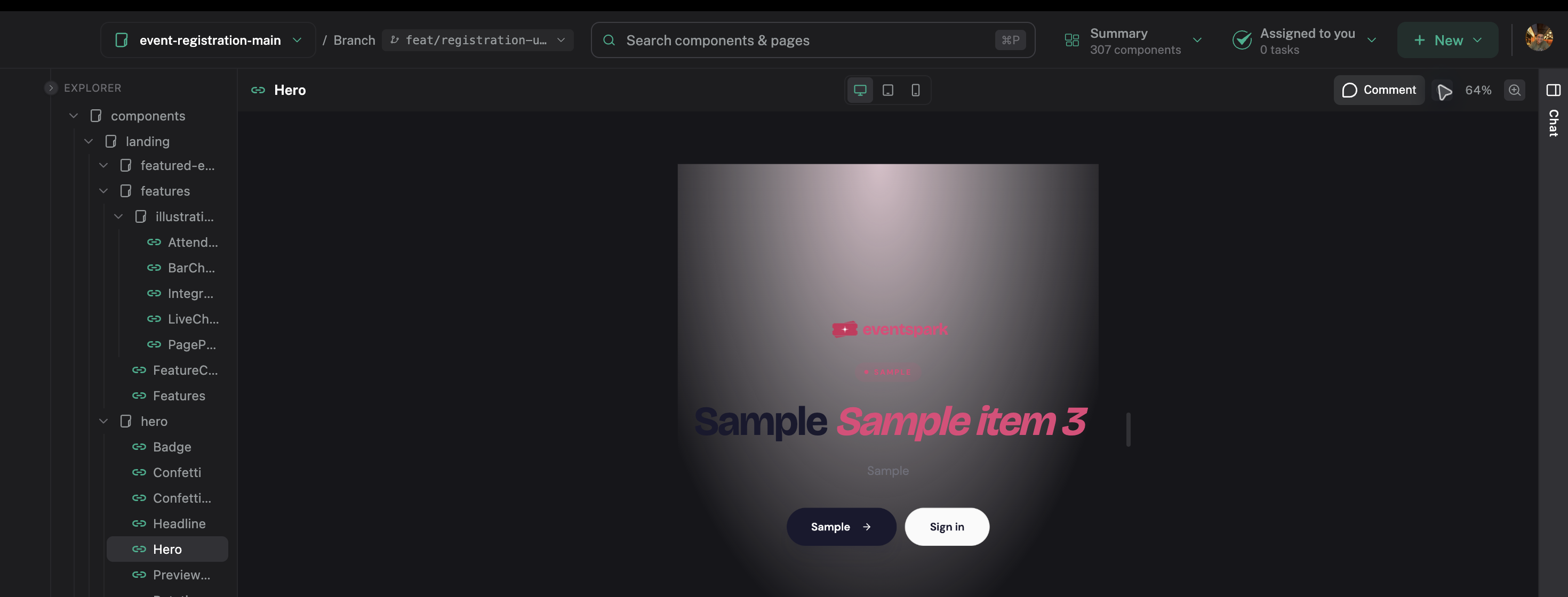
Fix the preview in chat
- Select the blocked component.
- Click Fix with agent.
- Describe the missing data or state in chat.
- Wait for the isolated preview to refresh.
For example:
Populate this preview with three realistic items so the loaded state is visible. Keep the data shape the component already expects.
If it is still blank, follow up with:
The preview is still blank. Inspect the missing data or dependency, fix the preview setup, and try again. Do not change project source.
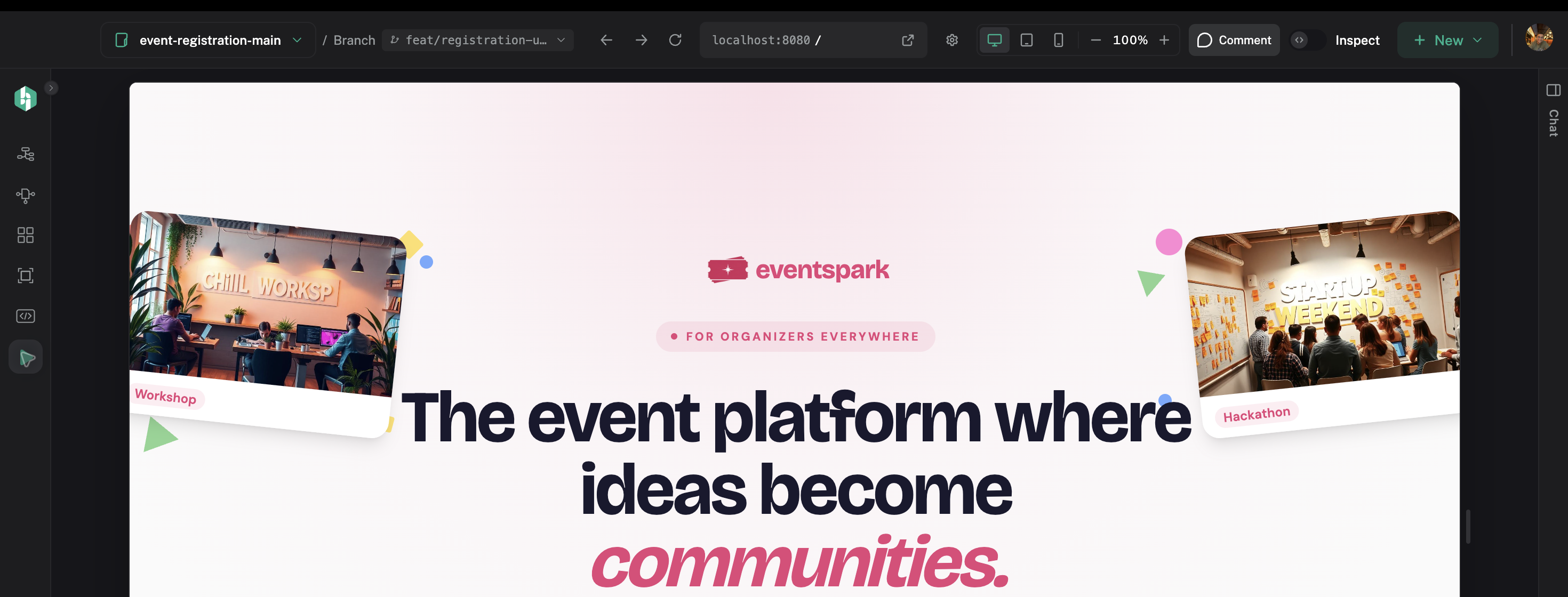
Use AI enrichment when the component needs example data. Use Preview App when it needs real routing, providers, authentication, or end-to-end behavior.
Review the enriched preview
When the preview is available:
- Check that it contains meaningful content.
- Inspect the state and props that matter to the design decision.
- Compare the result with the source and full application when needed.
Use the enriched preview as a design and implementation aid. Do not treat generated example data as real product data.
Source-code and privacy boundaries
Enrichment writes preview data, not project source. Do not paste secrets into an enrichment request.
AI usage is handled through the connected assistant's account and limits. If your assistant requires approval or consumes credits for the request, Hexby will follow that assistant's settings.
Next step
Return to Single Component View to inspect the enriched state, or use Preview App when you need the full application context.