
Vibecoding
Vibe-coded projects
Connect applications built with Lovable, Bolt, Base44, Emergent, Rocket App, v0, or another builder.
Hexby works with the application’s code, not the tool that generated it. Once the code is in GitHub or on your machine, the workflow is the same.
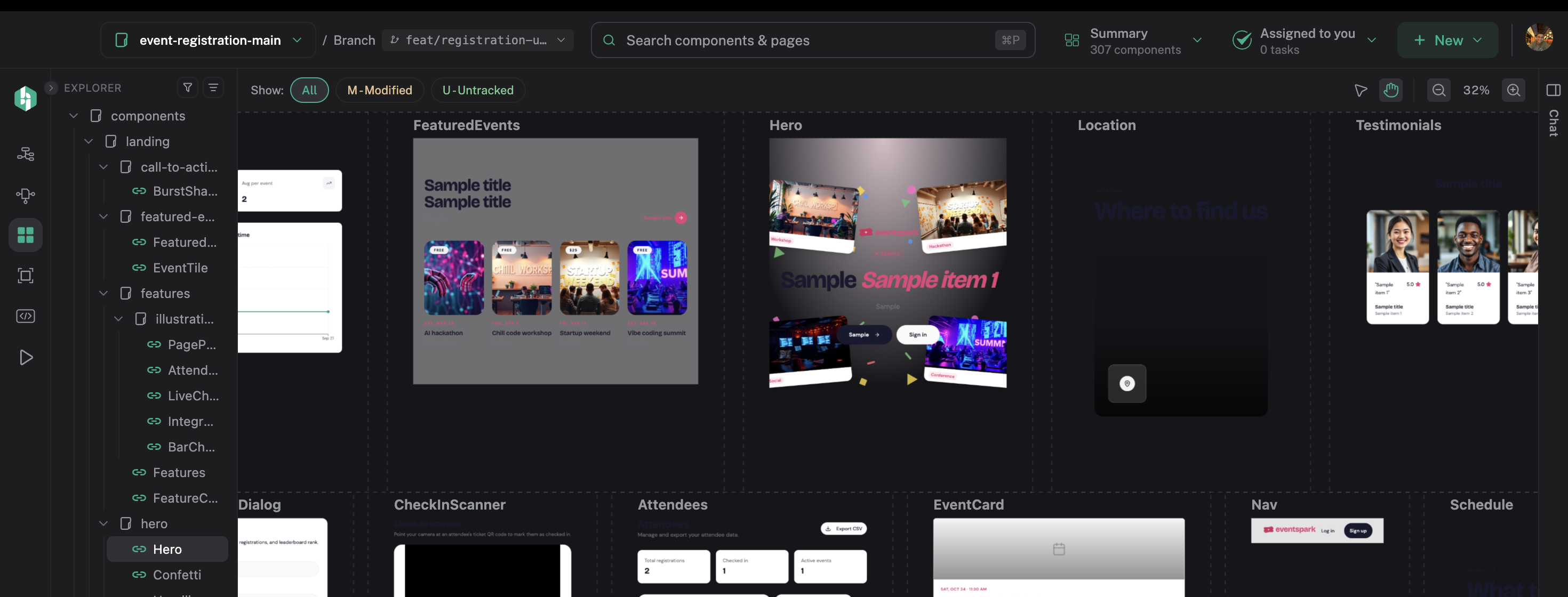
After import, start with the visual inventory rather than the builder that created the code.
Before you start
- An app built with an AI builder.
- A local checkout or access to its Git repository.
- Dependencies installed for the project.
- React or Preact using Vite or Next, or Angular using the Angular CLI.
- Git installed on the machine running Hexby.
Choose your platform
Follow the matching handoff below. Each path ends with an HTTPS repository URL that you paste into Hexby.
Platform guides
Where did you build it?
Select a platform to see its GitHub handoff.

Lovable
Move the code into Hexby
Sync the Lovable project to GitHub, then import that repository.
- 01Open your project
Open the Lovable project you want to bring into Hexby.
- 02Connect GitHub
Open Project settings → Git → GitHub, add your GitHub account, and install the Lovable GitHub app.
- 03Link the project
Connect the project to GitHub. Lovable creates a private repository and starts two-way sync automatically.
- 04Copy the repository URL
Open the repository from Lovable’s GitHub settings and copy its HTTPS URL below.
After the import
- Let Hexby analyze the project and build its visual workspace.
- Start in Component Map, then use Pages or All Components to find the UI that matters.
- Connect your preferred coding assistant and request one focused change.
- Review the preview and source diff before sharing it through GitHub.
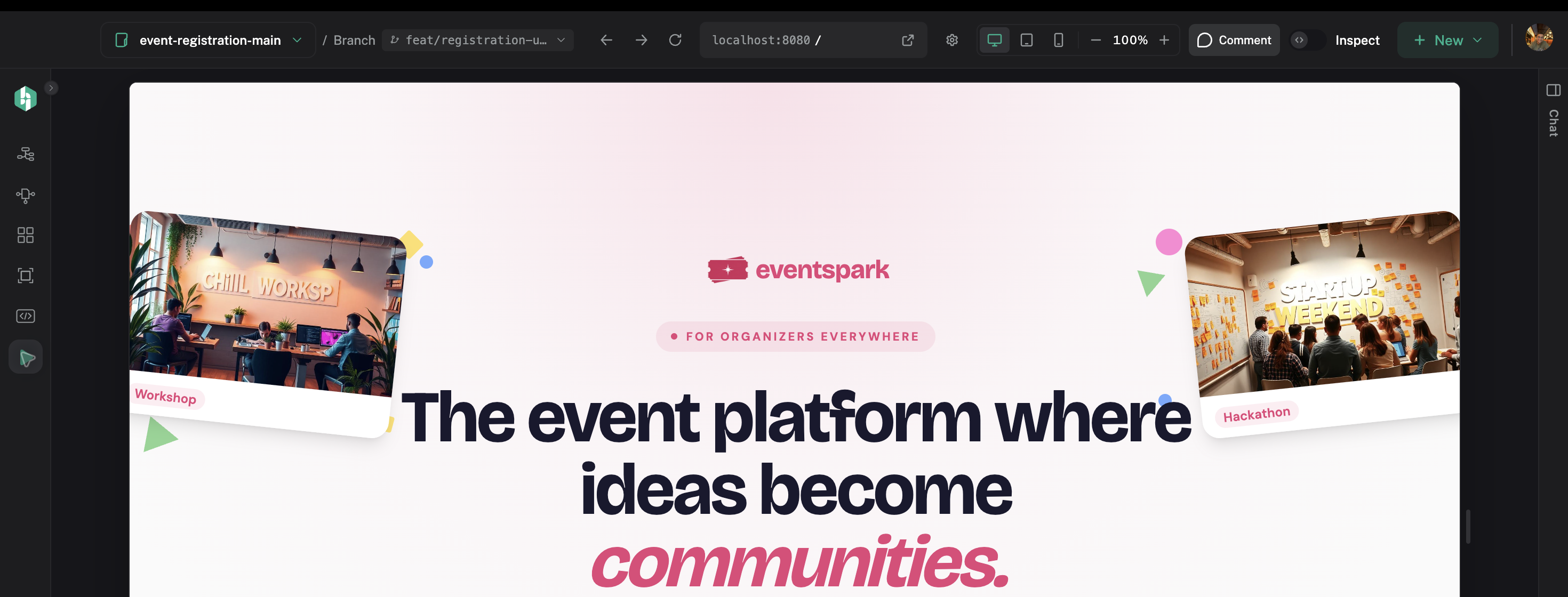
Use the full app to confirm the imported project still behaves in its real route context.
The builder is only where the project started. Hexby does not run inside the builder or replace its hosting and source-control features.
If your builder is not listed
Look for an Export, Git, or Code action in the builder. Push the underlying React, Preact, or Angular project to GitHub, then use the generic Other guide above. If the project still does not load, check the root folder, dependencies, framework, environment values, and Git installation. See Troubleshooting if needed.
Next step
Continue with Install and open a project or return to the Quickstart if this is your first Hexby project.