
Share Changes
Share Changes
Send a reviewed change through GitHub as a commit and pull request.
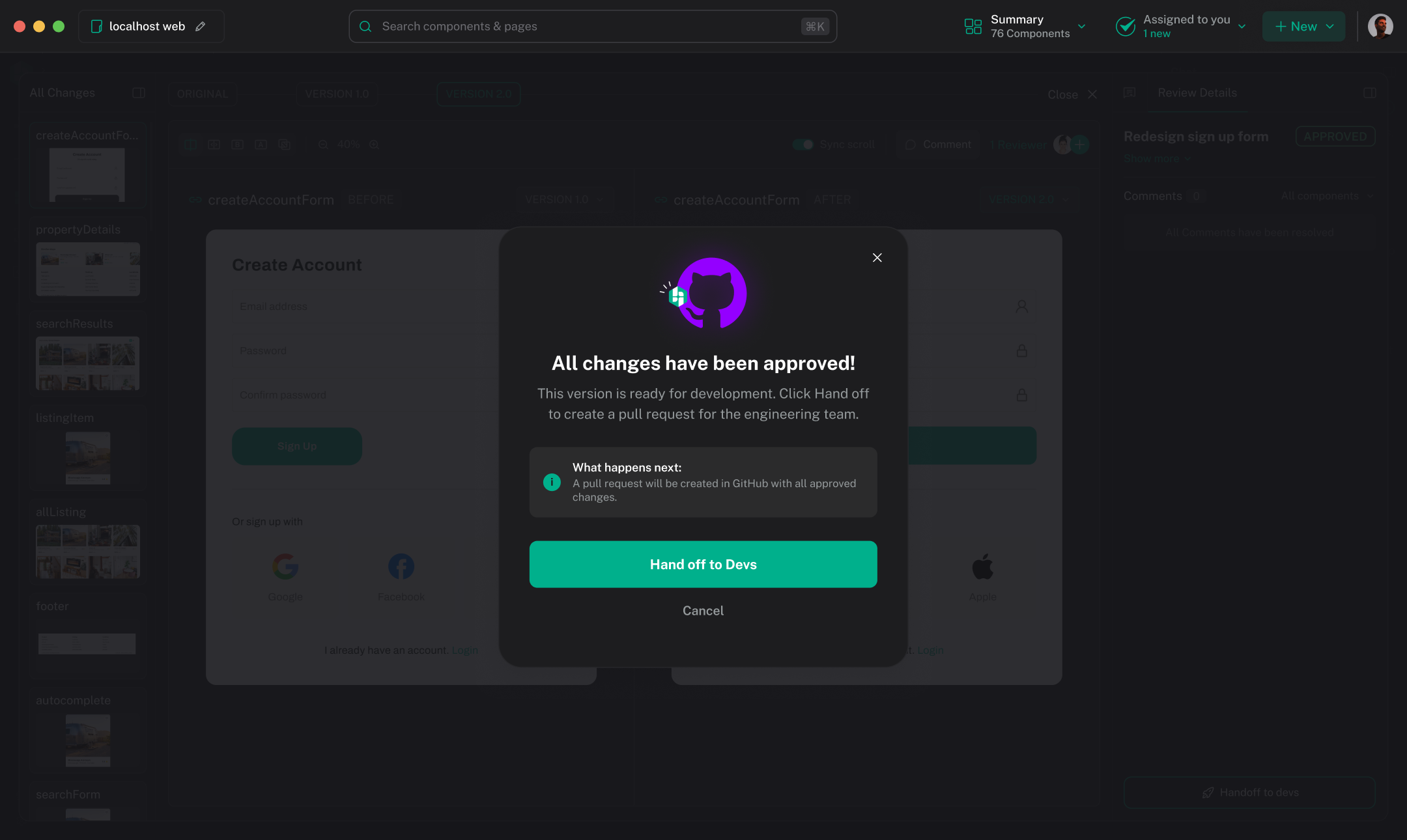
Use Share Changes after the review is approved. In Review Changes, click Hand off to developers. If the review is already handed off, choose New → Open pull request. For a direct GitHub handoff without reviewer approval, the workspace may also show Submit changes.
Hexby prepares the handoff. GitHub remains the system where your team reviews, approves, and merges the work.
Before you share
Confirm that:
- The correct project and branch are open.
- The review status is Approved.
- The requested preview, states, and viewports have been reviewed.
- The changed-file list contains only expected files.
- The project is connected to the GitHub repository where the work belongs.
- GitHub access is available for the account you plan to use.
Preview-only changes and unchanged files do not create a GitHub diff.
Open the pull request
- In the approved review, choose Hand off to developers.
- Confirm the repository, branch, changed files, title, and description.
- Complete any GitHub sign-in or repository selection prompt.
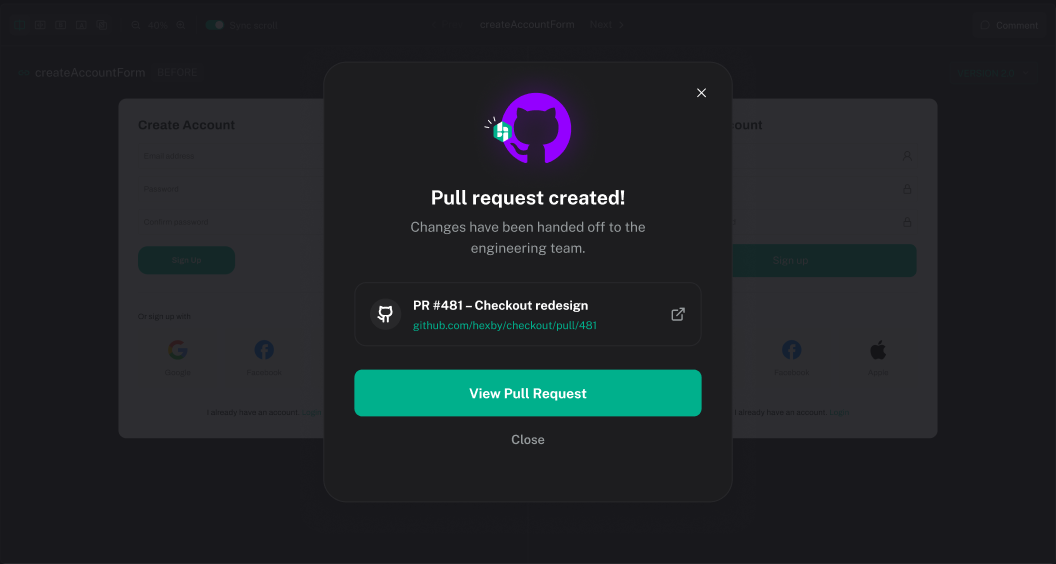
- When the handoff finishes, choose Open pull request to continue in GitHub.
Your GitHub account must have permission to access the repository and create the pull request. A useful summary states:
- What changed
- Why it changed
- Which page or component is affected
- Which state or viewport the reviewer should check
Continue in GitHub
If there is already an open pull request for the same work, Hexby may update it instead of creating a new one. Continue your normal workflow in GitHub: request review, respond to comments, and merge only after approval.
Hexby does not approve or merge the change for you.
Common sharing problems
There is nothing to share
Check Code View and confirm that the source change is saved and that the correct project is open. Preview-only values and enrichment data do not create a production diff.
GitHub access is denied
Confirm that the signed-in account can access the repository and that the connection has the required permissions. Organization approval may be needed.
The wrong repository is linked
Return to repository selection and choose the intended repository. If the project has several remotes, verify the repository name before sending.
The request fails after a source change
Read the error shown by Hexby, verify the branch and repository, and check whether the remote changed since the project was opened. Resolve conflicts or permissions in the normal GitHub workflow, then try again.
The working tree changed after approval
Return to Review Changes and inspect the drift. Use Send update to review the new code, or discard the drift only when you are sure it is not needed. Do not hand off unreviewed source.
See Troubleshooting for recovery steps.
Next step
Use your GitHub pull request for team review, or return to Review Changes if the work still needs refinement.